 evomedia.net
Appearance
Admin console (platform operators)
The platform admin console is for the operator of an EvoPlatform installation — the person who runs the service itself. If you're a customer using an app, you don't need anything here: workspace admins manage their teams from inside the apps.
Access
The console is served at the platform service's root URL (for a default install, the host you deployed to, e.g. https://platform.example.com/). Sign in with a platform admin account — email and password only; platform admins sit above workspaces, so there is no workspace field.
The very first admin comes from the deployment itself: on first boot the service creates one from BOOTSTRAP_ADMIN_EMAIL / BOOTSTRAP_ADMIN_PASSWORD (only when no platform admin exists yet). After signing in, change that password, and add more admins from the Users tab if you want a second set of hands.
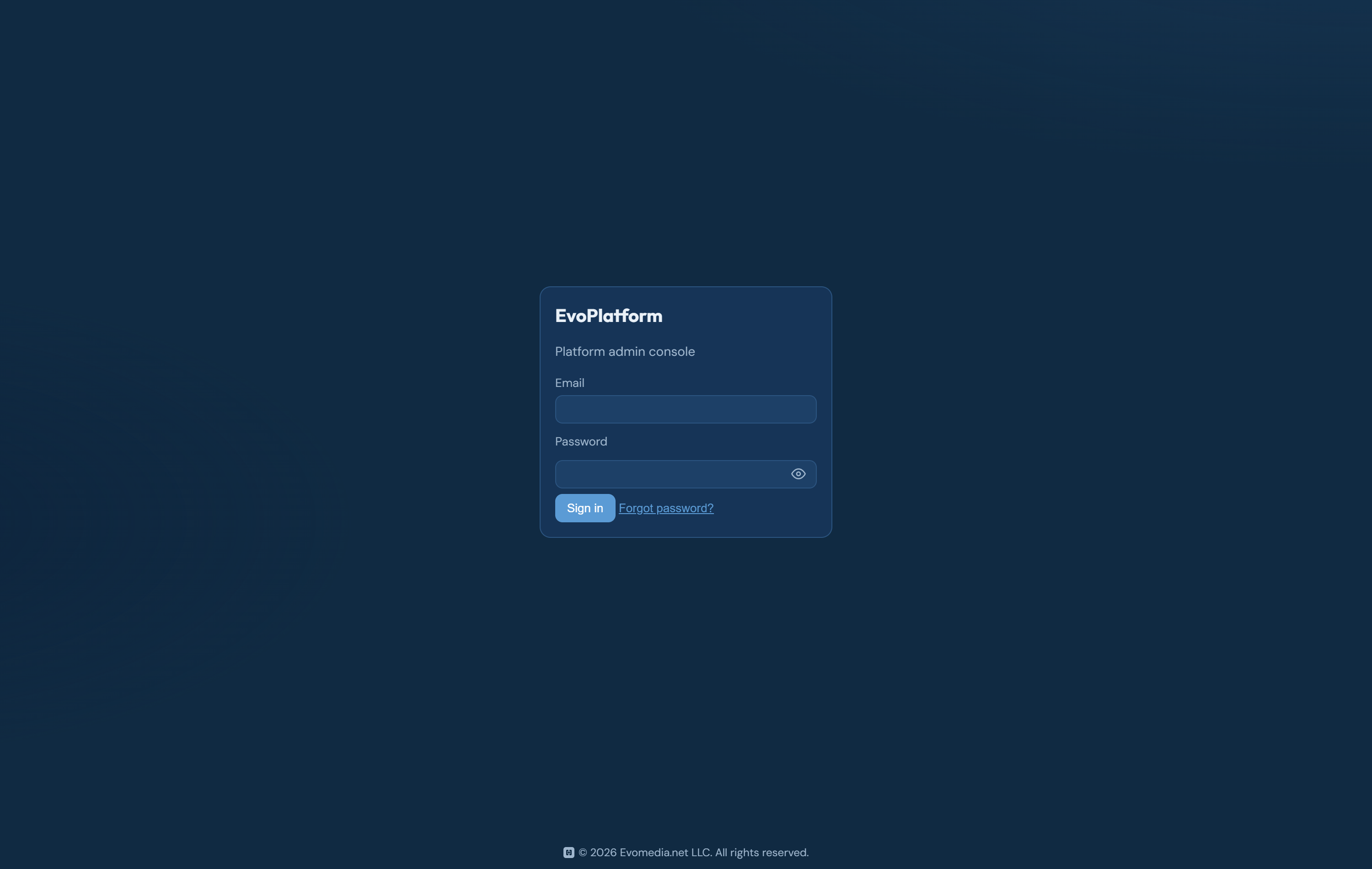
Every console action calls the platform's /admin/* API, which requires a token carrying the platform_admin claim — the console itself holds no authority. Logins are rate limited per IP.
(All screenshots below are from a local development install with fictional demo data.)
The tabs
Tenants
Each row is a customer workspace: slug, name, plan, status, and company profile (phone, address).
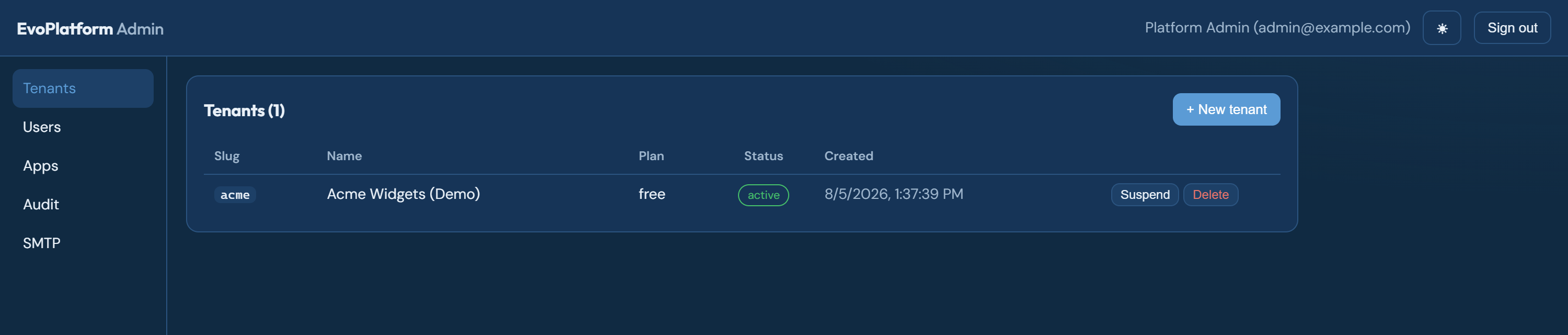
- New tenant creates a workspace by hand — the manual alternative to self-service signup. Admin-created tenants start with access to every registered app.
- Suspend / Activate blocks or restores all logins for the workspace. Suspension is reversible and touches no data.
- Delete is a soft delete (restorable). Purge is real erasure and deliberately requires the tenant to be soft-deleted first, so one mistaken click can never destroy data.
- Export downloads the tenant's platform-owned data as JSON (users, roles, app access, audit trail — secrets structurally excluded) for portability or backup.
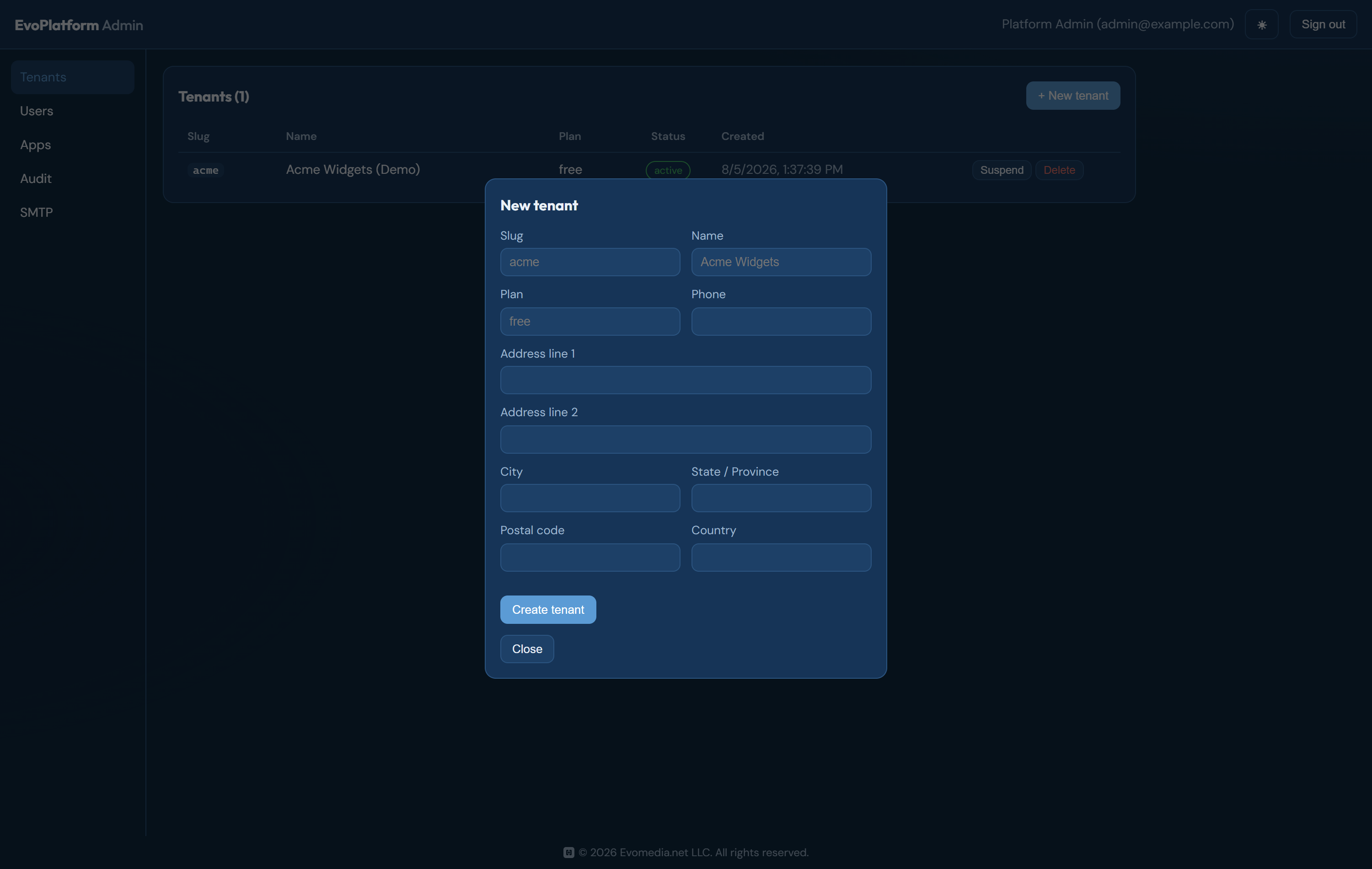
+ New tenant opens the workspace form, including the company profile:
Users
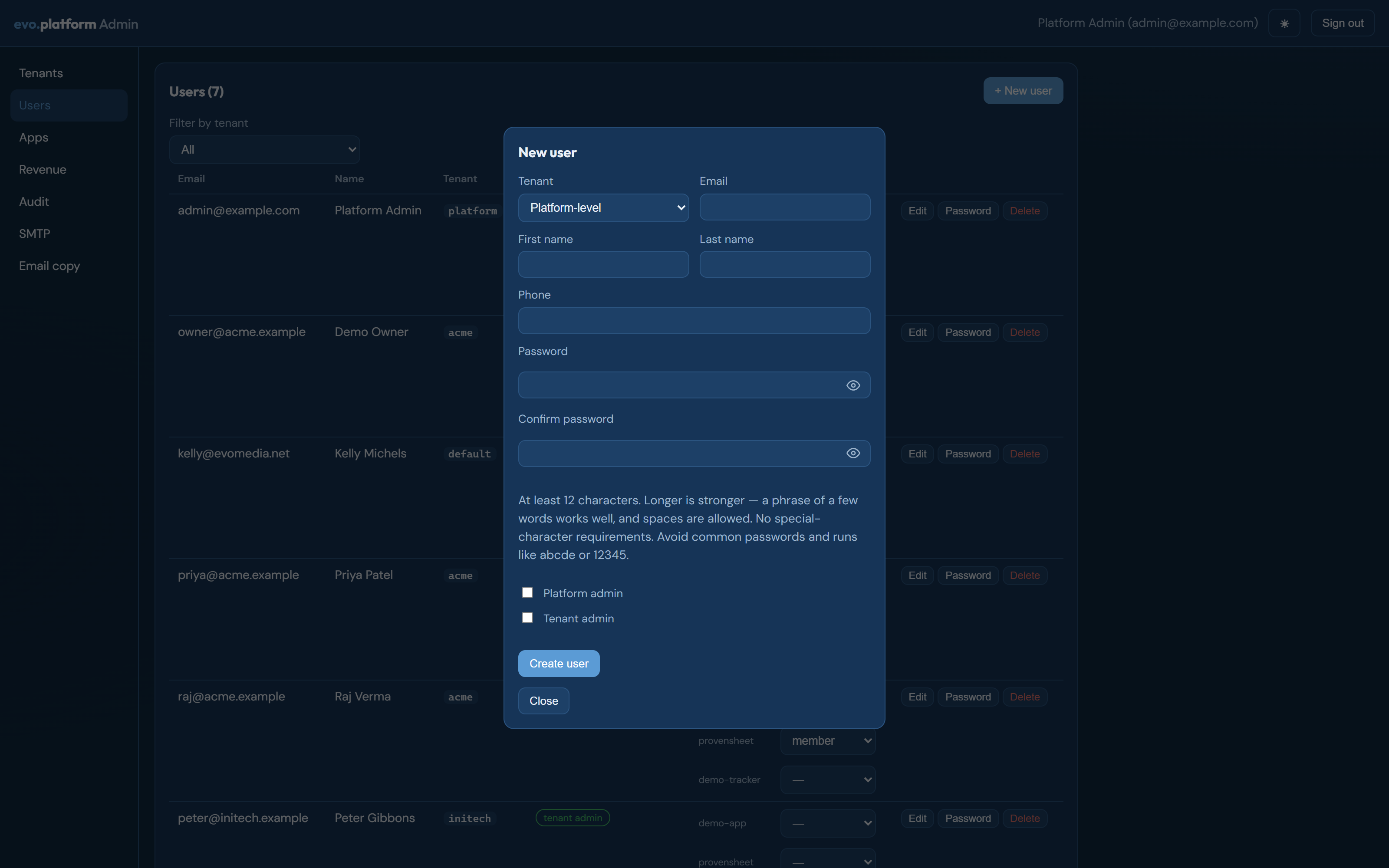
All accounts, filterable by workspace.
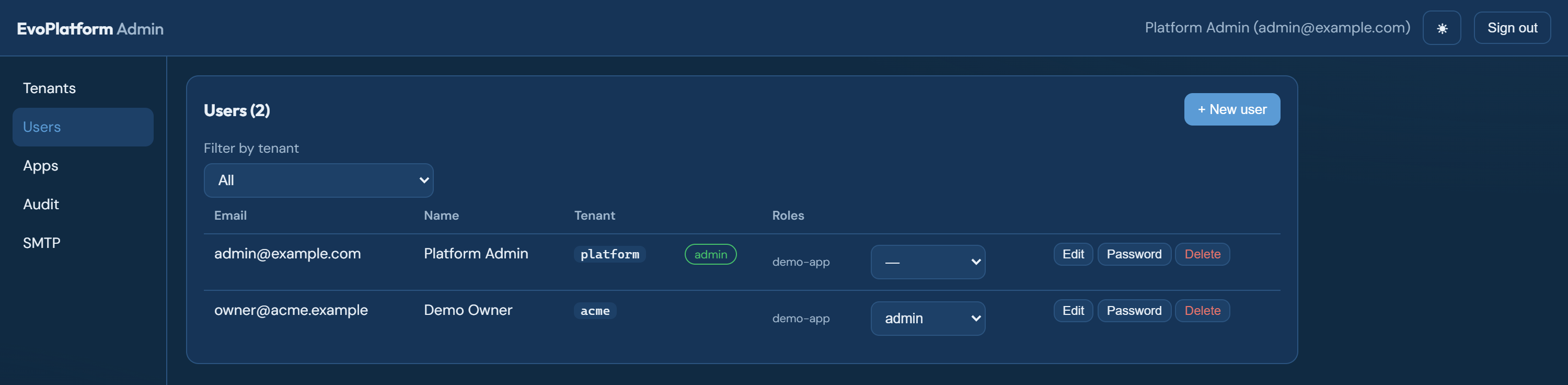
- Create users, edit profiles, assign per-app roles from the dropdowns.
- Tenant admin lets a user manage their own workspace's members from inside the apps. Platform admin grants access to this console — hand it out sparingly.
- Password sets a new password for a user (the self-service path is the emailed reset link; this is the override).
- An unverified badge means the user hasn't proven their mailbox yet and cannot sign in.
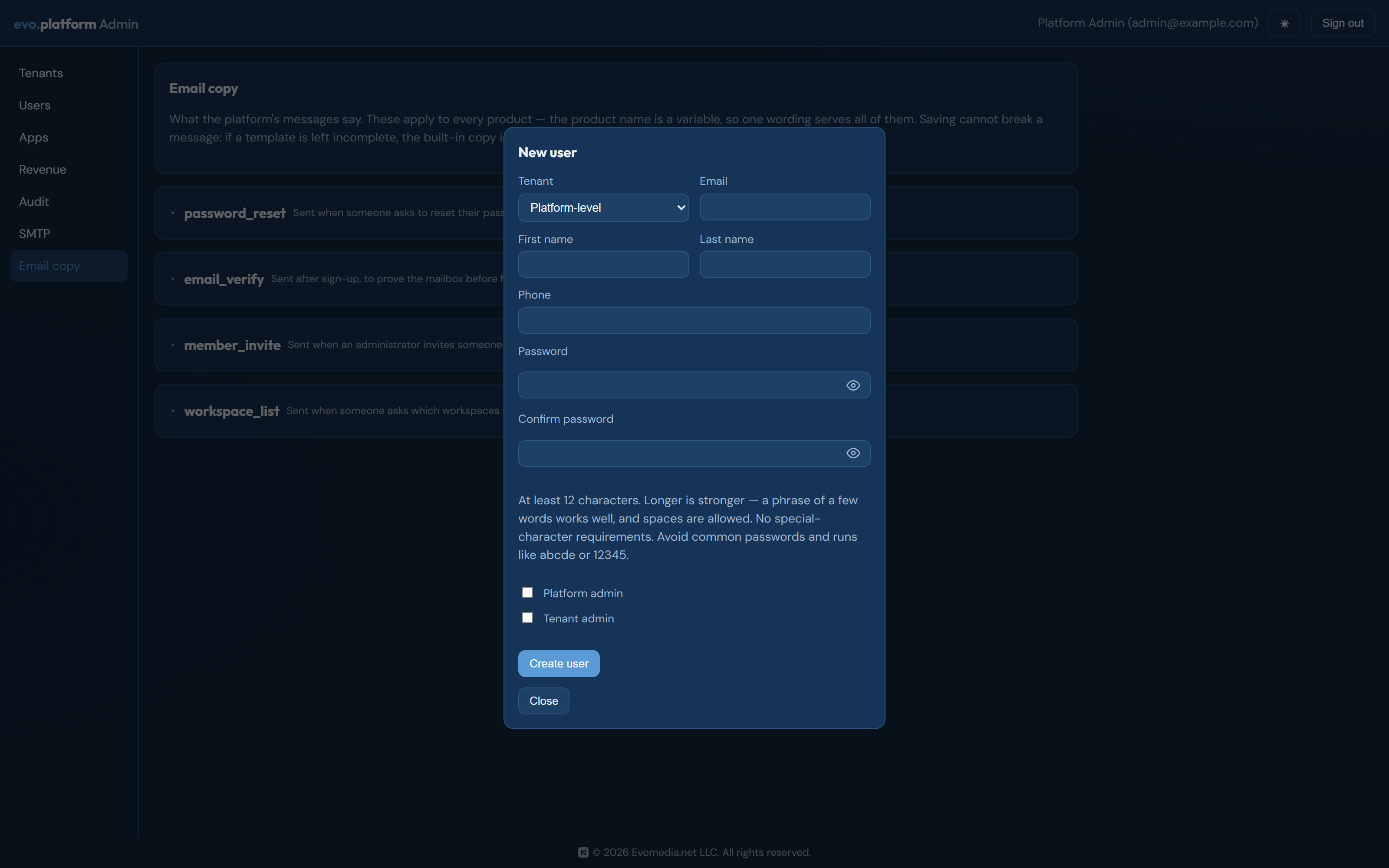
New user creates an account directly, for when you are standing one up rather than inviting them. The workspace and its per-app roles are chosen at creation, so the account is usable the moment it exists.
Apps
The registry of applications connected to the platform.
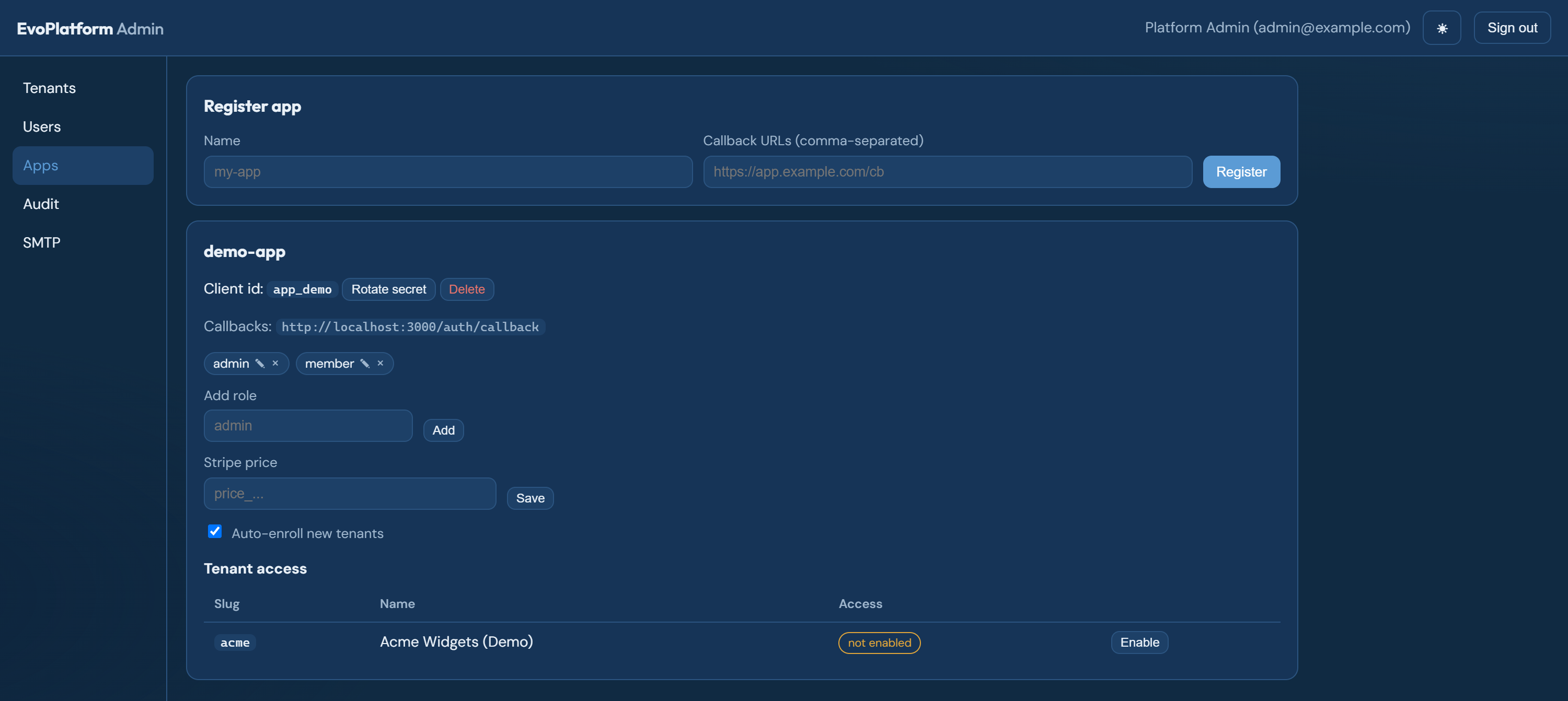
- Register app creates a client id and shows the client secret once — the platform stores only a hash. (The
evo registerCLI automates this and writes the credentials into the app's.env.) - Rotate secret invalidates the old secret immediately — use it if a secret may have leaked or on a schedule.
- Roles defined here are what workspace members can be assigned per app.
- Display name is what customers read — "ProvenSheet", not the
provensheetregistry slug. It titles every recovery email and names the sender, where a slug undermines the legitimacy the message needs. Setting it renames an app's whole email surface with no deploy. - Brand config is a JSON record the app fetches at startup and merges over the branding it ships with: product name, the two wordmark halves, domains, support addresses, legal entity. Leave it empty and the app runs entirely on its own file. When it does name the product, that name is what Display name resolves to as well, so the two cannot disagree.
- Stripe price is the Price id sold as this app's subscription; checkout uses it, and the webhook then drives access automatically.
- Tenant access is the enablement matrix: which workspaces may sign in to this app, each with a status — active, trial (with end date), past due (with grace date), or suspended. This is your manual override for what billing and signup normally manage on their own.
Revenue
What the platform is earning: subscription totals, a health signal, and a CSV export. The figures come from Stripe rather than the platform's own database, so this tab reports what customers were actually charged rather than what the console believes they should have been.
Audit
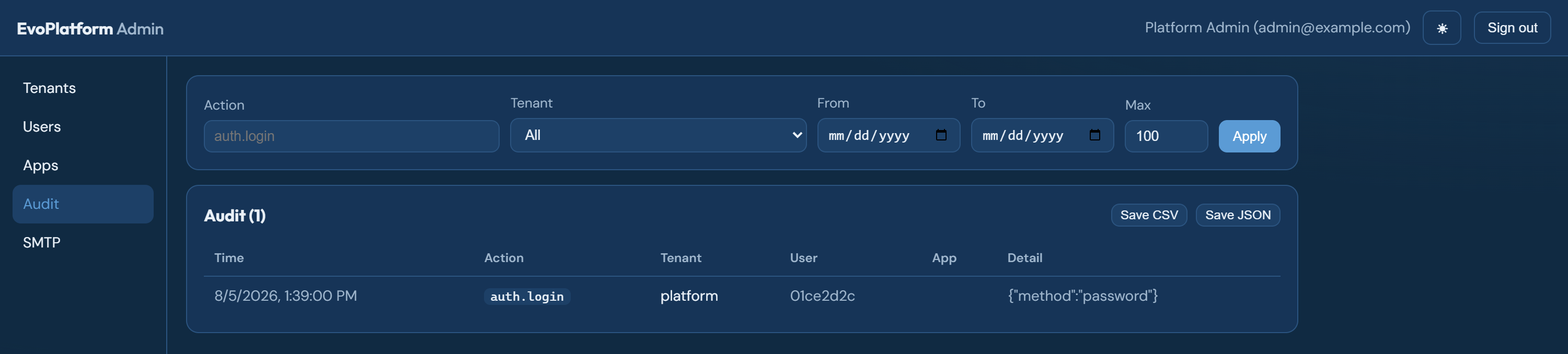
Every significant action — logins, member changes, invites, billing events, admin operations — with who, what, and when. Filter by action, workspace, and date range; export the filtered set as CSV or JSON.
SMTP
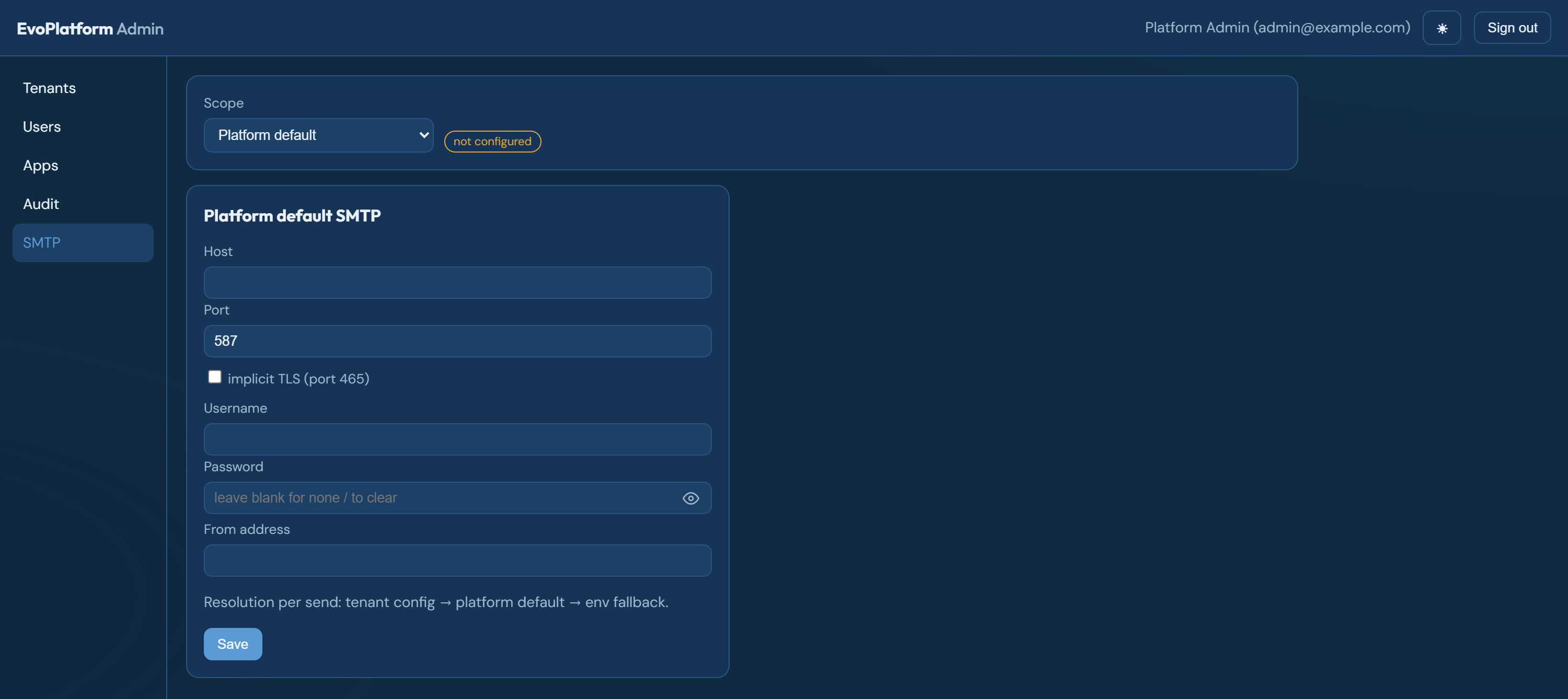
Where the platform's email (verification, invites, password resets) comes from. Resolution order per send: the tenant's own config → the platform default (set it here) → the environment fallback. Passwords entered here are stored encrypted, which is why a fresh production install should get its SMTP config through this tab rather than an env file.
Email copy
The wording of every message the platform sends — password reset, email verification, member invite, and the workspace-list lookup. Each opens into an editor with a preview and a Send test button.
The product name is a variable, not typed in: one set of copy serves every app, so wording cannot drift into a per-product template set that has to be maintained in parallel. The same is true of the reset link — its destination is decided by the platform, never by the copy.
Editing is safe by design. A template saved with a piece missing falls back to the built-in default and logs a warning rather than sending a broken message: locking someone out of a password reset because a template was fat-fingered would be a far worse failure than sending them the stock wording. Revert to default restores the shipped copy for any template.
Common tasks
| Task | Where |
|---|---|
| Onboard a company by hand | Tenants → New tenant (starts enabled on all apps) |
| Let signups happen without you | Set SIGNUP_MODE (invite with links from POST /auth/signup-links, or open) |
| Make someone a workspace admin | Users → Edit → Tenant admin |
| Connect a new app | Apps → Register app, or evo register from the app repo |
| Sell an app | Apps → Stripe price (plus Stripe keys in the service env) |
| Cut one workspace off one app | Apps → Tenant access → status dropdown or Disable |
| Answer "who did this?" | Audit → filter → Save CSV |
| Recover a lost admin account | Set the bootstrap env vars and restart the service |
| Reword a platform email | Email copy → pick a template → edit → Send test |
| Rename a product without a deploy | Apps → the app → Display name, and Brand config for its wordmark and domains |