 evomedia.net
Appearance
Your account
Your email and password work across every app your workspace subscribes to. This page covers changing a forgotten password and signing in without one.
Resetting a forgotten password
- Click Forgot password on the sign-in page and enter your email.
- Check your inbox for the reset email. The link is valid for 30 minutes and works once.
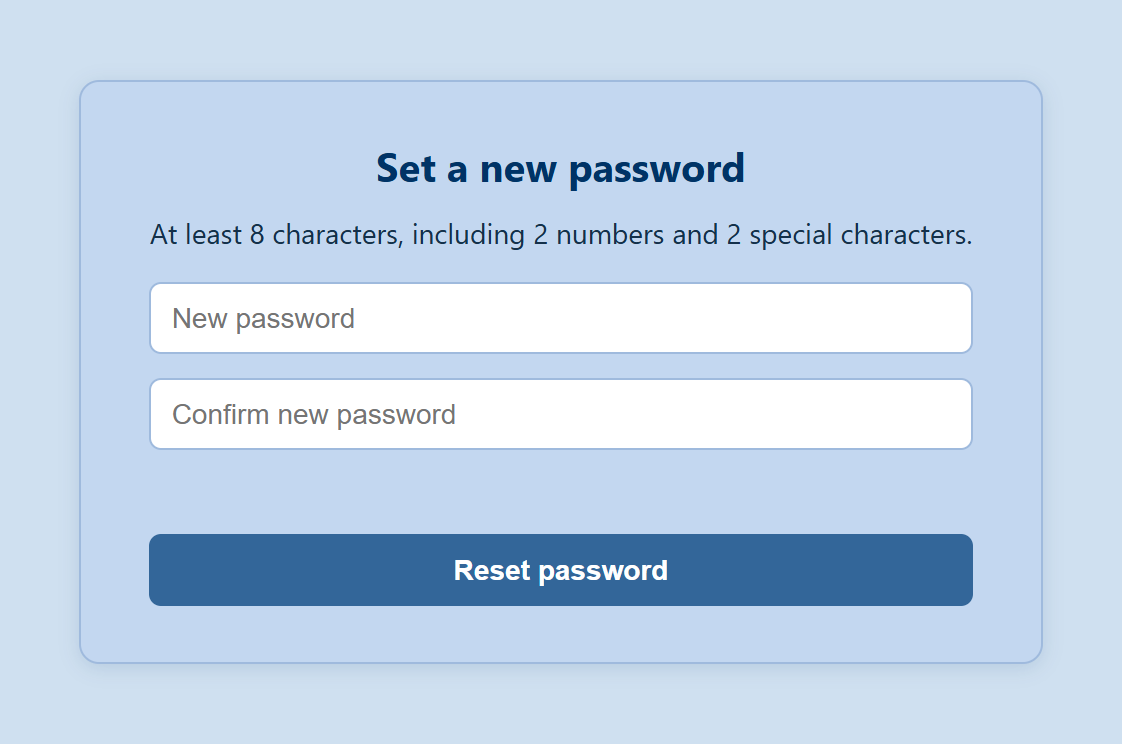
- Choose a new password on the page it opens — at least 12 characters. Longer is stronger: a phrase of a few words works well, and spaces are allowed. There are no special-character requirements, but common passwords and runs like
abcdeor12345are rejected. (NIST/OWASP Standard)
Resetting signs you out everywhere
Every signed-in session ends when the password changes — on purpose, so that a reset also boots anyone who shouldn't be there. Sign back in with the new password.
For privacy, the "forgot password" screen gives the same confirmation whether or not an account exists for that address, so it can't be used to discover who has an account. If no email arrives, check spam and confirm the address you typed.
Passkeys
A passkey lets you sign in with Windows Hello, Touch ID, or a security key instead of typing a password. The secret never leaves your device, which makes passkeys resistant to phishing and password reuse.
Adding one
- Open your account page in the app.
- In the Passkeys card, confirm your password to unlock it (15-minute window).
- Give the passkey a name you'll recognize — "Work laptop", "iPhone" — and click Add passkey.
- Follow your device's prompt (fingerprint, face, PIN, or security key).
Using one
On the sign-in page, enter your email and choose Sign in with a passkey, then confirm on your device.
Managing them
The same card lists your passkeys with when each was added and last used, and lets you remove any of them.
- Add one per device you regularly use.
- Removing a passkey only affects that device.
- Keep your password working as a fallback for a device that has no passkey — or if you lose the device that holds one.
Your name and email
Your name comes from what you entered when you created your account or accepted your invitation. Your email address is your identity across every app and is fixed for the life of the account — if you need to move to a different address, ask a workspace admin to invite the new one and deactivate the old account.